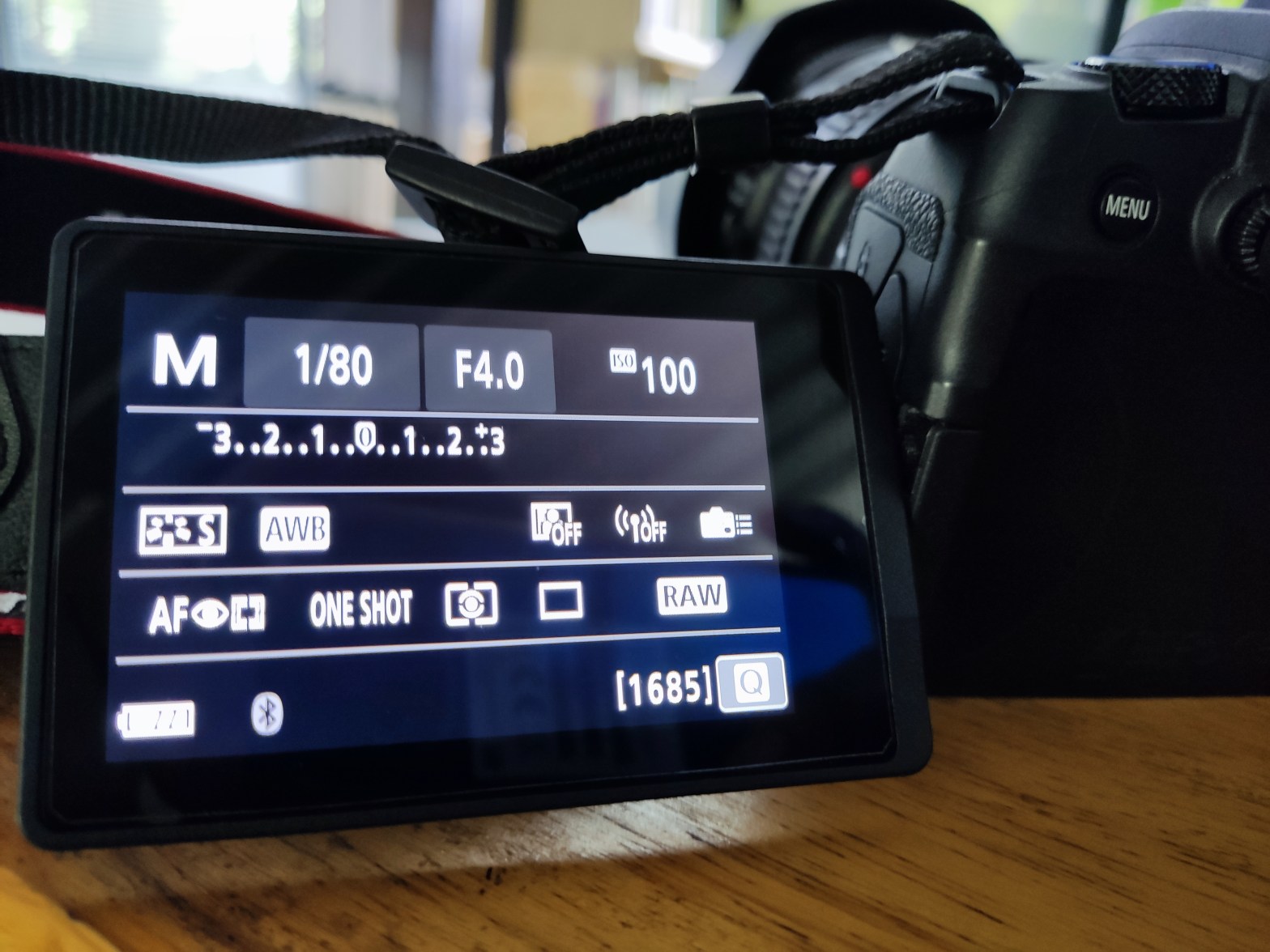
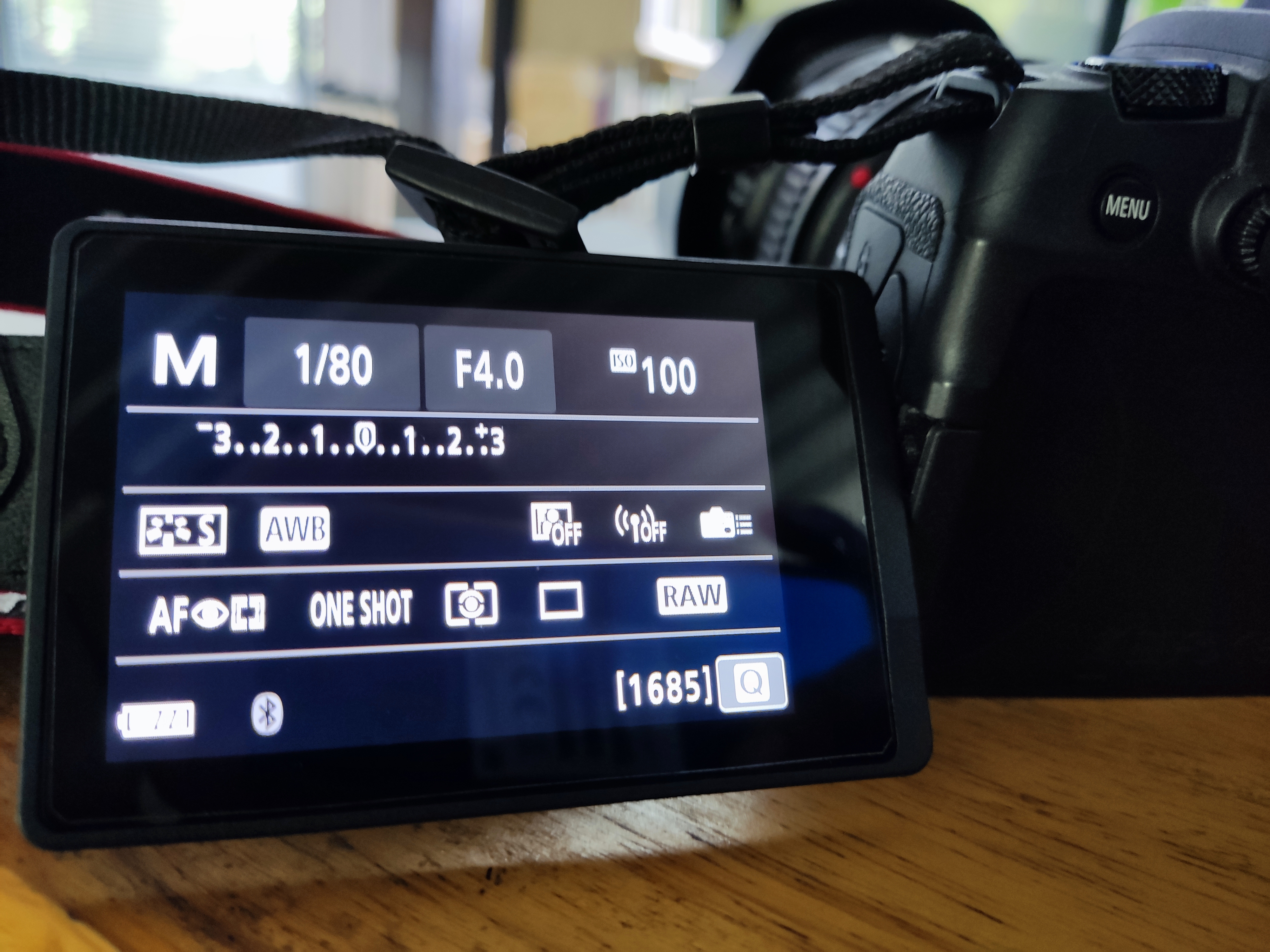
All you need to know is 3 parameters
Like I said above, those 3 parameters are
– Shutter speed (from the cover is 1/80).
– Aperture (from the cover is F4.0).
– ISO (from the cover is 100).
I’d like to introduce the word “Stop” : A stop is means the one push of a button or a click of camera dial when you are changing these parameter.
Everything seems to be ready for a beginner who interested in M (manual) mode.
Okay, let’s continue to the relation between those three and the Stop.
From the cover again you will see an EV that use for measure the brightness of a photo that you will get.
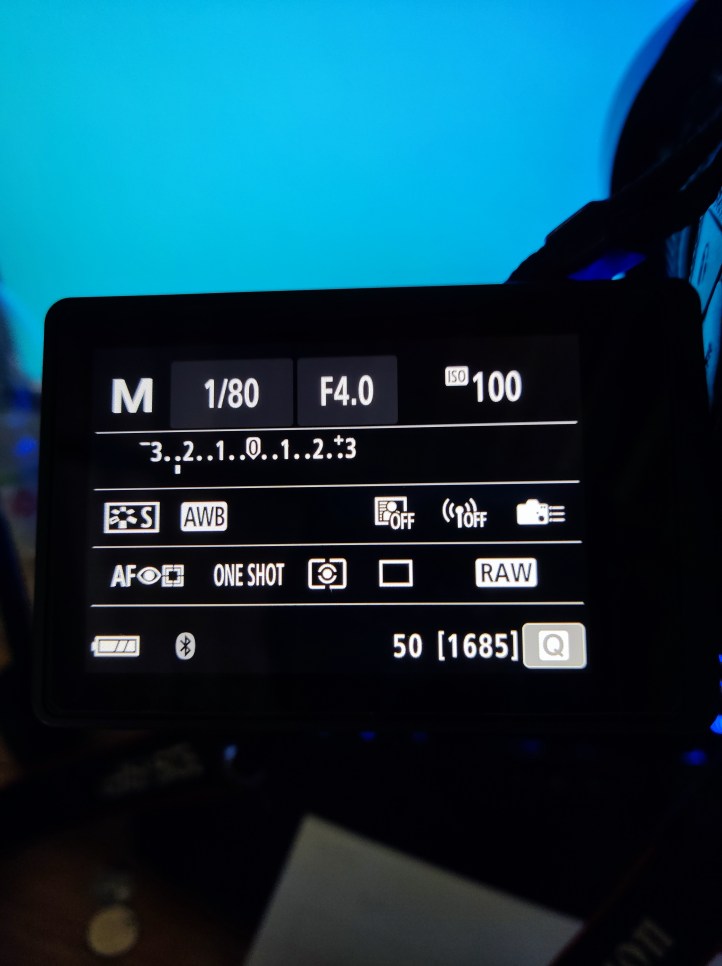
See? The EV meter is showing that the brightness is between -2 to -3…. And what does it mean?
Well, it means that photo will be dark than normal … Which normal? – idk, try to take a photo while your camera EV is on the middle (0). That’s your camera result at “0” Which you able to make your own signature about what’s your favorite? Bright, Dark or just “0”.
For me, my favorite is “0” to +1 since I can darken in LR. lol
A stop – A stop can be everything for those 3, speed stop. F-stop. ISO-stop.
One stop can change the brightness about 1 dot on the EV meter, what ever you increase.
(That’s why we call a stop)
What you need to keep in your mind is ISO is the most effective to change the brightness AND THE QUALITY !! The more ISO you increase more noise you’ll get! (usually, for an old model).
To make It clear, some cameras’s ISO is not able to changes an EV meter in one dot likes the Speed-stop and F-stop. It look like to multiply instead. The entry level DSLRs will only give you a multiply ISO level only eg. 100,200,400,800… Those will be a bit difficult to use. While semi-pro level and above allow you to separate the ISO of 100,125,160,200,250,320,400…. which can change the level of EV 1 dot per stop.
Finally, to make it even more clear, the EV meter has many method of metering to select – All of above are “Evaluative metering” mode. The brightness will be calculated by averaging the brightness objects all of screen to find the middle number of brightness (which I called “0”). Then, the camera will show the brightness level of the object in focus point in EV meter. 🙂
Hope that’s help you enjoy the way of photography. About the other setting?
White balanced? Let me remind and shorten my experience to be the easiest way for describe it to you. Since the white balanced requires the process of software (Lightroom) , I’ll try my best to explain you.
 Backlog Photographer